
 Play now
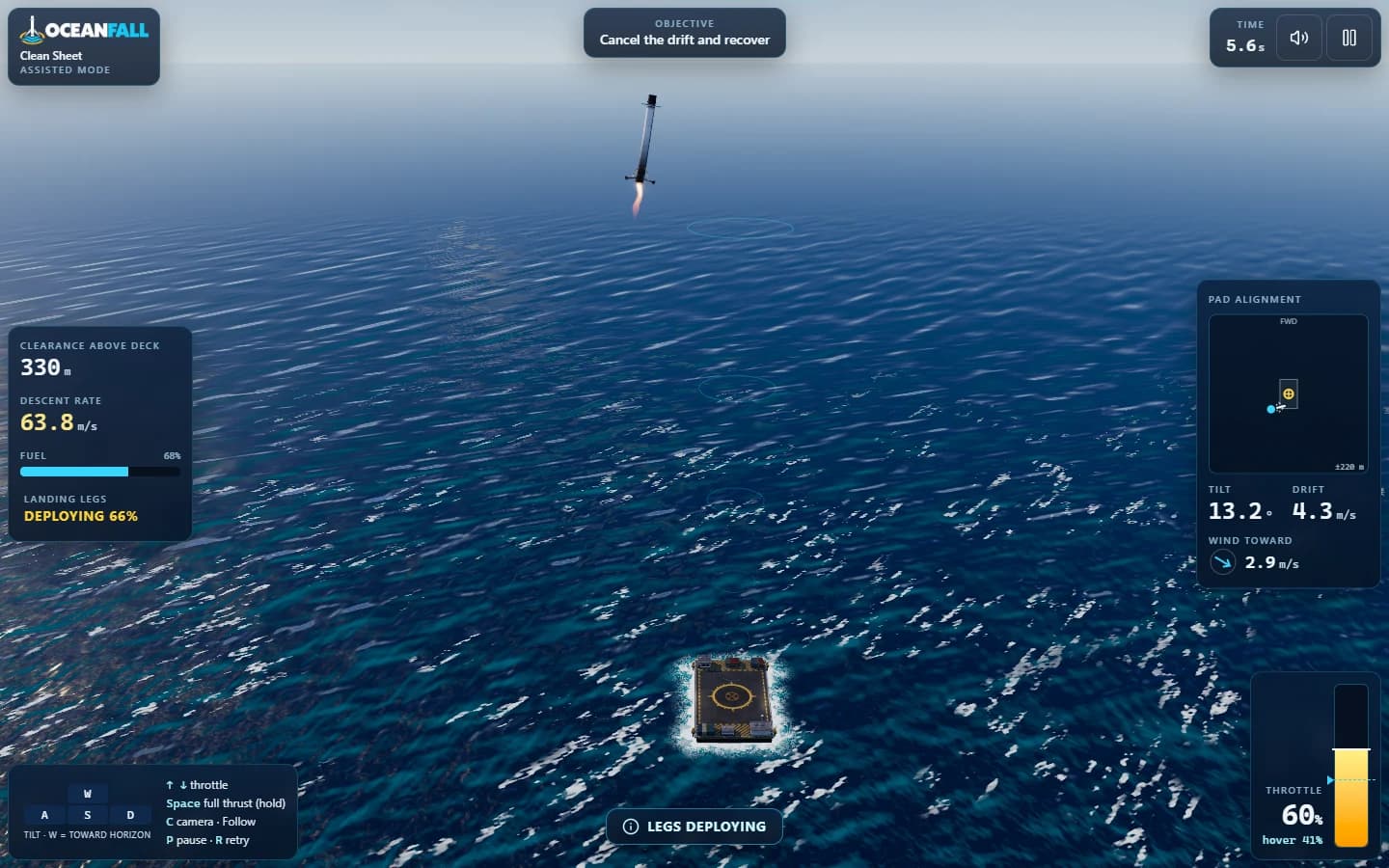
A rocket booster. An ocean platform. One very precise landing.

Collect. Grow. Survive.
Steer a glowing coil through a neon grid, collect orbs and make room for an ever-longer trail. Every orb adds ten points and one segment. Keep clear of the walls and your own coil, chase a personal best, or fill the entire board for victory.
 Neon grid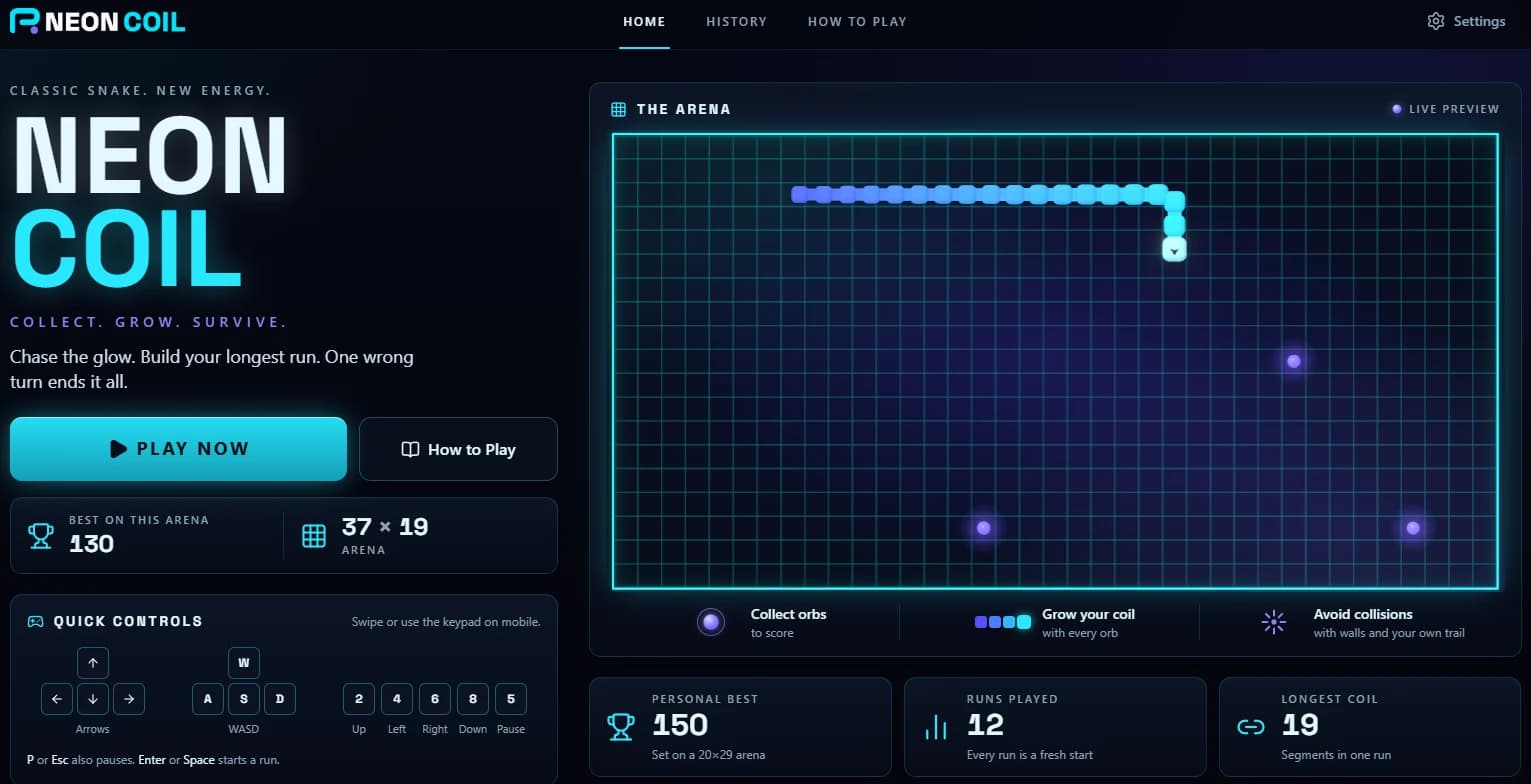
01 / Inside the game
Start with four segments and a three-second countdown. After that, every turn counts.
Each orb earns ten points and adds one segment. New orbs appear every four seconds of active play, up to three on the board at once.
Move at eight cells per second for the whole run. The coil keeps moving at the same speed as your trail grows and space gets harder to find.
Two turns can be queued between steps for quick corners. Reverse turns are ignored. You can follow your tail into its emptying cell, unless you grow on that step.
Walls and your own trail end the run. Fill every cell instead and earn the game’s victory ending.
02 / A closer look
Play on a phone, tablet or desktop. The grid fits the screen when each run starts.
Rotate your device or resize the window and the game pauses, keeping the same board and score. Your next run chooses a fresh arena size.
Best scores are tracked separately for each arena size, alongside your overall personal best. Compare runs on the same grid.
Review score, orbs, length, active time and how each run ended in History. Your browser keeps the thirty most recent runs, with lifetime totals stored separately.
Finished runs save locally first, then send to the server in the background. If saving fails, retry later or start another run right away.
03 / A closer look
Use arrow keys, WASD or number keys. On touch screens, swipe on the arena or use the phone-style keypad, below the board in portrait and beside it in landscape.
The game pauses when you switch tabs, lose focus, rotate the screen or encounter a long stall. Resume when you are ready; missed time is never replayed.
Synthesized cues mark turns, pickups, crashes and victory. Optional vibration adds feedback on devices that support it. Adjust both in Settings.
Reduced effects disable bloom, particles, shake and hovering motion, respecting your system’s reduced-motion preference. Adaptive quality lowers effects between runs when needed.
Original screenshots. Original worlds.
Open an image for the full view. Browse with arrow keys or swipe.
The arena / Video preview
Take the controls
Press Play Now, Enter or Space. Wait for the three-second countdown.
Steer toward the glowing orbs. Each pickup adds ten points and one segment.
Leave an escape route as your coil grows. Avoid the walls and your own trail.
Check the results, then press Play Again, Enter or Space for another run.
| Action | Keyboard | Touch |
|---|---|---|
| Up | Arrow Up / W / 2 | Keypad 2 or swipe up |
| Left | Arrow Left / A / 4 | Keypad 4 or swipe left |
| Right | Arrow Right / D / 6 | Keypad 6 or swipe right |
| Down | Arrow Down / S / 8 | Keypad 8 or swipe down |
| Pause / resume | P / Esc / 5 | Keypad 5, pause or Resume button |
| Start / play again | Enter / Space | Play Now / Play Again |
Number keys follow telephone order: 2 is up and 8 is down, including on a desktop numpad. This is the reverse of the arrows printed on a desktop numpad.
WASD follows physical key positions on non-QWERTY layouts. Holding a key sends one turn; a reverse turn is ignored. Swipe anywhere on the touch arena to steer.
The game never resumes by itself. Resume with the button, P, Esc or 5. Countdown and paused time do not count toward your run time.
No. Play directly at neoncoil.dilladevstudios.com in a modern browser on a phone, tablet or desktop. Records belong to the browser you play in; there is no sign-in.
No. It moves at eight cells per second throughout the run. The challenge comes from a longer trail and less free space.
Best scores are tracked per arena size. A phone grid and a desktop grid can be different challenges. The home page shows the exact grid for your next run.
Once the game has loaded, gameplay runs entirely in your browser and does not need the server. Finished runs save locally and retry submission when the server is reachable. Loading the website initially still requires a connection.
Scores are casual and self-reported. The server rejects runs that contradict the rules, such as mismatched score and orb count, but cannot prove a run was played honestly.
Yes. Reduced effects turn off bloom, particles, camera shake and hovering motion, and still the home preview. The setting follows your operating system’s reduced-motion preference and can also be changed in Settings.
The game pauses and offers Reload graphics so you can recover the view before resuming. A clear message appears if WebGL is unavailable.
The grid is waiting
Keep exploring
Play nowA rocket booster. An ocean platform. One very precise landing.
 Play now
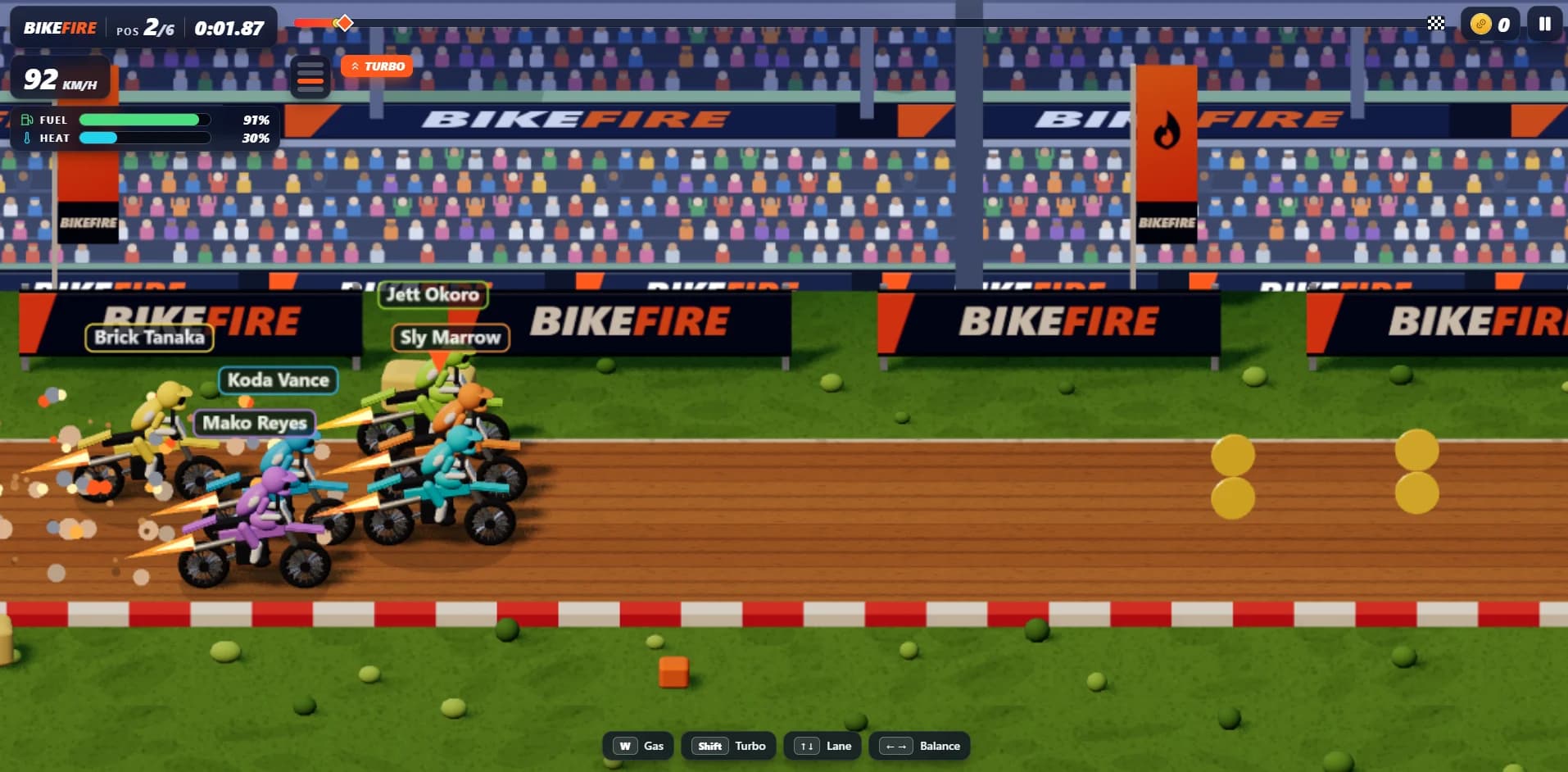
Four lanes. Big air. Hot engines. Find your line in browser arcade motocross.
 Play now
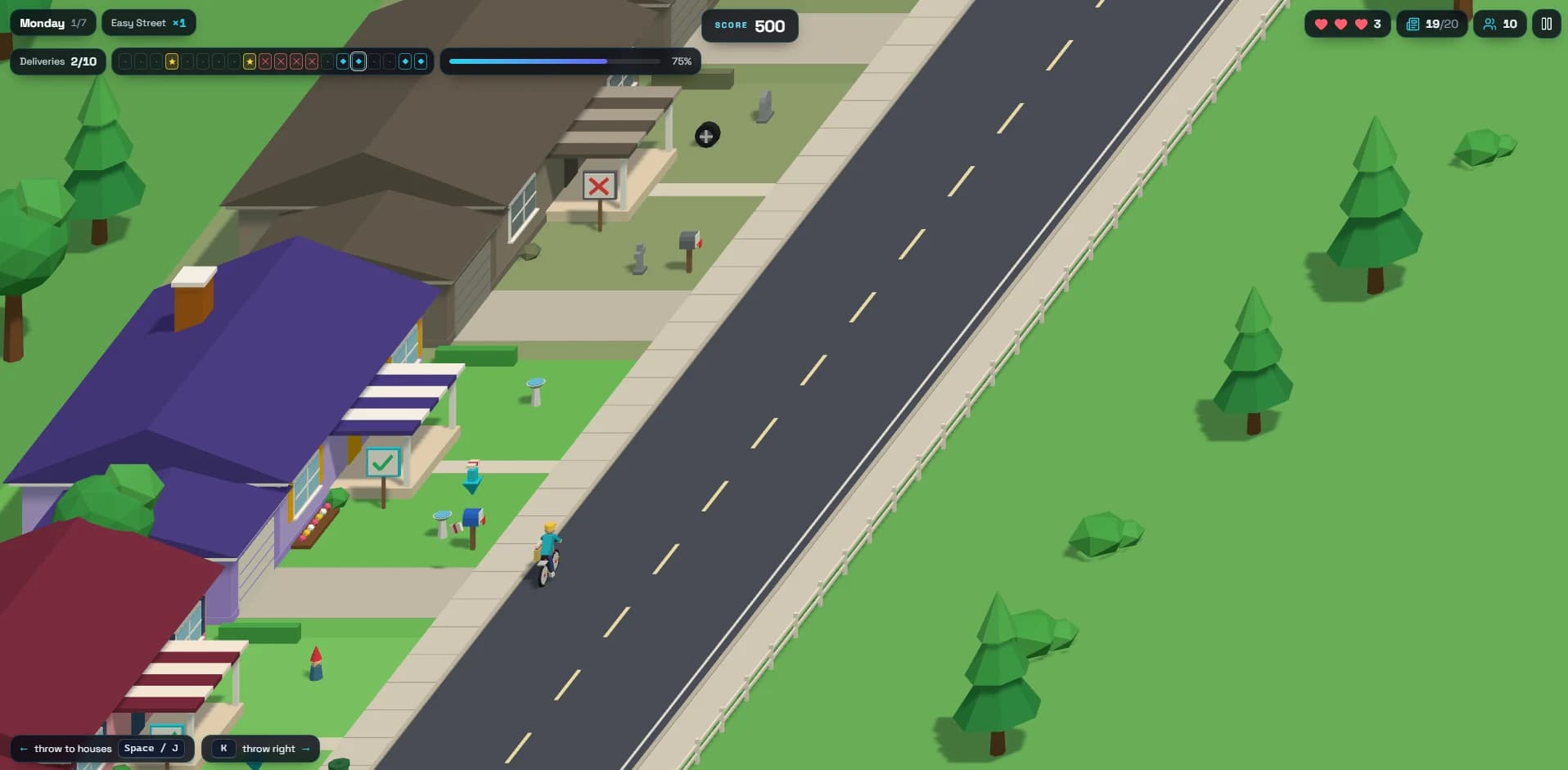
Deliver the morning paper. Dodge neighborhood chaos. Keep the route alive.