
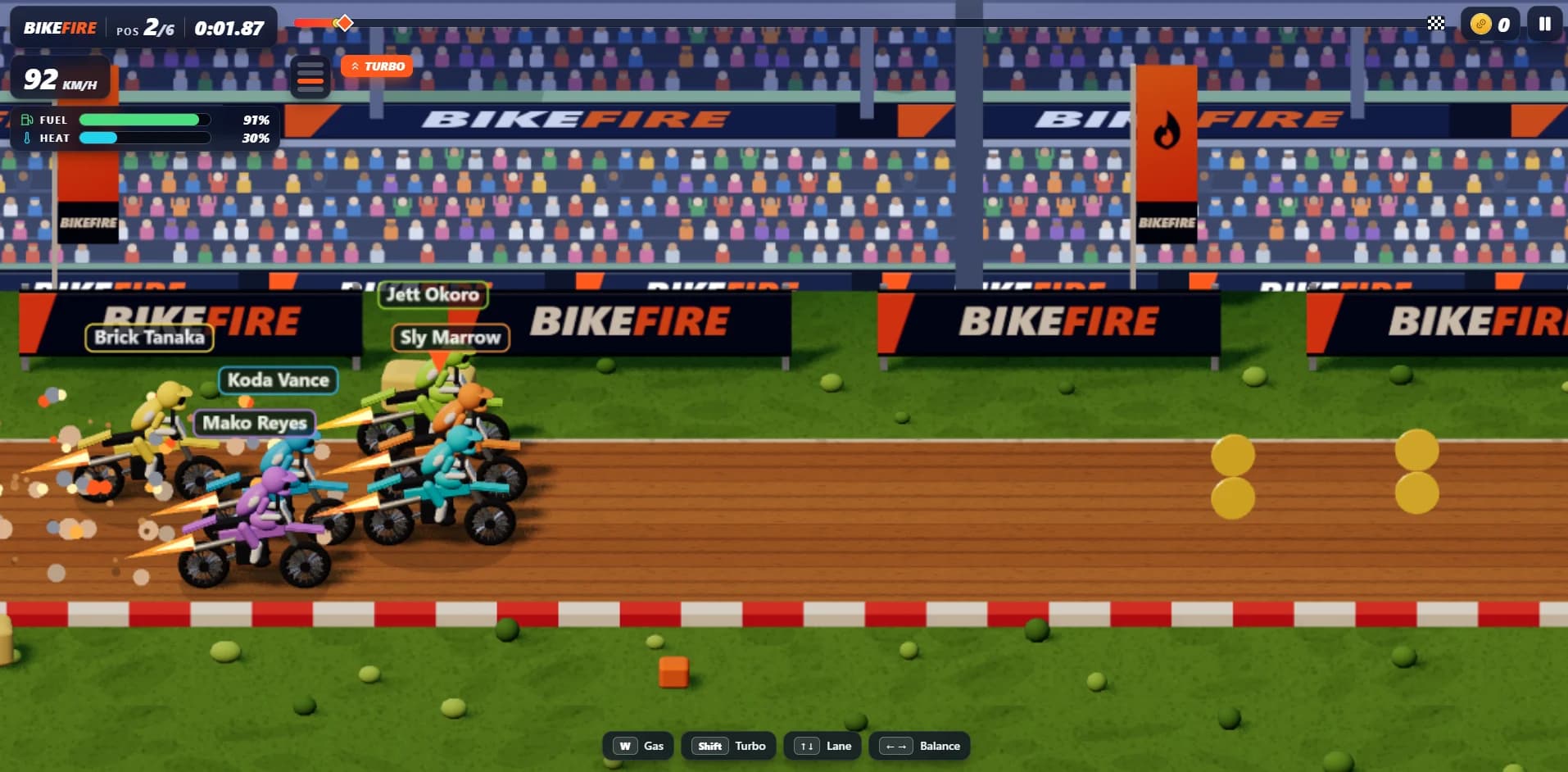
 Play now
Four lanes. Big air. Hot engines. Find your line in browser arcade motocross.

Find calm in the final descent.
Bring a falling rocket booster home to a drone ship at sea. Balance thrust, fuel and drift, deploy the landing legs, and touch down gently as the deck moves beneath you. From your first calm recovery to a stormy night approach, every landing is yours to fly.
 Ocean approach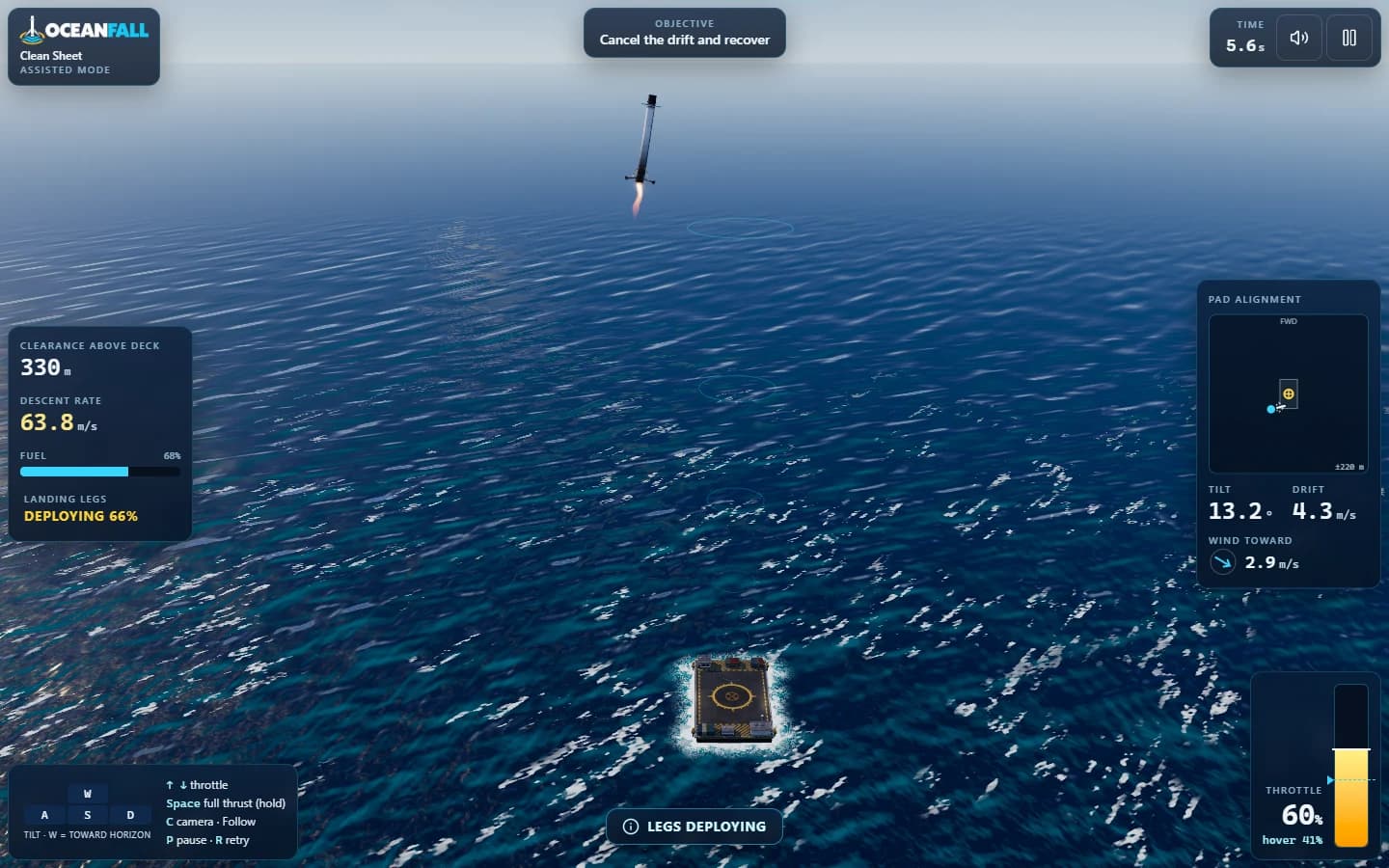
01 / Inside the game
The flight starts in free fall. Your job is the last, most delicate part of the journey.
Brake with the engine, tilt toward the pad, then tilt back to cancel your sideways speed. Fuel is finite, and throttle changes take time to spool up.
Wind pushes the booster while the drone ship heaves, pitches and rolls. Some missions put the ship underway. Read your instruments relative to the moving deck.
Deploy the legs early: they take 2.5 seconds to lock. Bring all four feet onto the marked area, land slowly and upright, then cut thrust and hold steady for two seconds.
Check descent rate, drift, tilt, fuel and pad alignment during flight. Afterward, read the debrief, replay the final seconds or compare against your personal-best ghost.
02 / A closer look
Learn the landing, chase a medal or set your own conditions.
Four replayable lessons teach thrust, drift, landing legs and a full recovery. Follow the prompts, guidance corridor and reference flight.
Twelve missions across First Recovery, Open Water and Weather Window. Work from calm daylight to moving targets, limited fuel, night landings and a rain-soaked squall.
Land safely with fuel to spare, or aim for the center of the pad under tighter touchdown limits. A successful recovery comes first.
Everyone faces the same daily conditions in Standard mode with a stock Kestrel. A fresh challenge arrives at midnight UTC.
Set wind, swell, time of day, starting height, offset, fuel, rain, fog and ship speed. Practice your approach with a local record for each configuration.
03 / A closer look
Recover a career mission in any flight mode to unlock the next. Even with assistance, you fly the throttle.
Strong self-leveling, guidance rings, automatic landing legs and gentler wind help you learn the descent. Keep control of thrust and alignment throughout.
Gentle self-leveling with manual legs and full wind. Learn to judge the burn, stop the drift and meet a moving deck.
No self-leveling or guidance rings. Stronger wind, tighter landing limits and only three engine ignitions make every decision count.
04 / A closer look
Successful, server-verified flights earn credits for the workshop.
Start with the balanced Kestrel. Complete First Recovery to unlock the lighter Marlin, then Open Water to unlock the heavier Atlas.
Upgrade landing-leg tolerance, control response and fuel reserve across three levels each. Added capability brings added mass. Fit the purchased levels that suit your next mission.
Unlock paint schemes, mission patches and engine glows through achievements. Appearance changes keep the flight physics the same.
Online scores are verified by replaying flight inputs on the server. Records are separated by mission, flight mode and booster configuration.
Actual gameplay. Original worlds.
Open an image for the full view. Browse with arrow keys or swipe.
Take the controls
Start in Flight School. Add throttle to brake the fall and watch your descent rate and fuel.
Tilt toward the pad to close the gap, then tilt back to cancel the drift before reaching the deck.
Deploy the landing legs early. They need 2.5 seconds to lock before contact.
Land slowly, nearly upright, with all four feet inside the marked landing area.
Cut the engine and hold steady on the deck for two seconds. Review the debrief and try the next recovery.
| Action | Keyboard | Gamepad | Touch |
|---|---|---|---|
| Pitch forward / back | W / S | Left stick forward / back | Left tilt stick |
| Roll left / right | A / D | Left stick left / right | Left tilt stick |
| Yaw left / right | Q / E | Left / right bumper | Optional yaw buttons |
| Throttle up / down | Up / Down | Right / left trigger | Right throttle slider |
| Full thrust while held | Space | A | Hold FULL |
| Deploy landing legs | G | X | LEGS |
| Switch camera | C | Y | Camera button |
| Pause | P or Esc | Start | Pause button |
| Retry | R | Use pause menu | Use pause menu |
Keyboard controls can be remapped in Settings; Escape always pauses. Releasing Space returns to your previous throttle setting. The touch slider holds its setting while you tilt.
Follow, Chase, Wide and Deckside cameras change your view, not the control frame. Switch views without changing what the tilt controls mean.
Pause freezes the flight, clock, ship and wind. Switching away from the game also pauses the flight.
Play OceanFall now at oceanfall.dilladevstudios.com. Open it in a modern browser and start your first recovery.
OceanFall runs directly in a modern browser as a guest, with no required account or installation.
Keyboard, gamepad and touch controls are supported. Touch play uses a tilt stick and throttle slider, with a compact instrument strip. Graphics quality and resolution can be adjusted in Settings.
No. It helps with self-leveling, guidance and landing legs, but you still manage the throttle, alignment and touchdown.
After the game is cached, you can fly as a guest and keep local, unverified records. Successful career and trial runs can queue for verification when you reconnect. Credits, upgrades and online leaderboards need the server; an official Daily Recovery needs a connected start.
The server replays recorded flight inputs and checks the recovery itself. Only verified runs award credits and achievements or enter online leaderboards. Comparisons use the same mission, flight mode and booster configuration.
Settings include graphics quality, resolution, shadows, reflections and post-processing, plus reduced motion, camera shake, guidance rings, ghost visibility and audio controls. Career and workshop ocean animation can also be turned off.
The deck is waiting
Keep exploring
Play nowFour lanes. Big air. Hot engines. Find your line in browser arcade motocross.
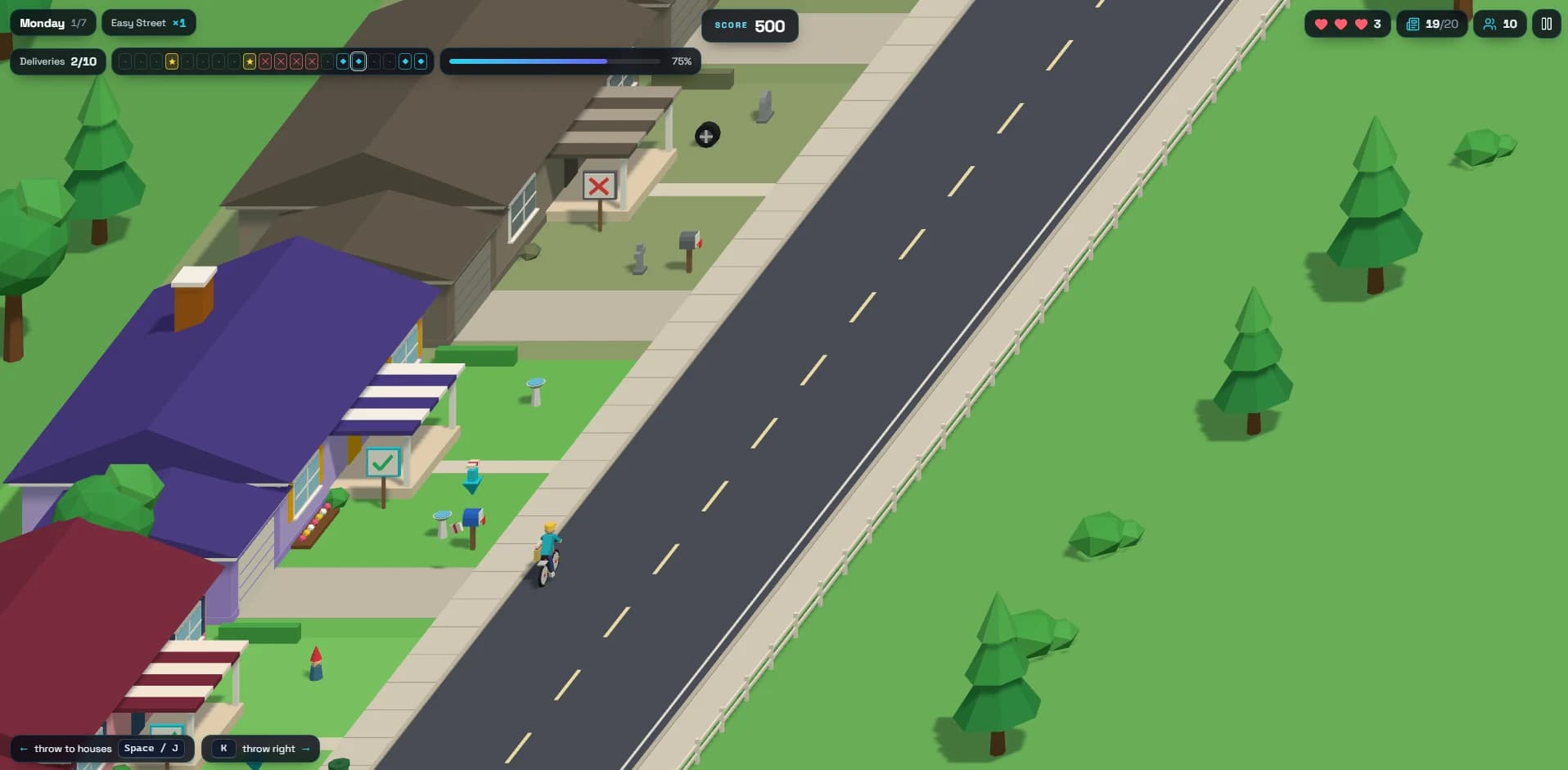 Play now
Deliver the morning paper. Dodge neighborhood chaos. Keep the route alive.